Micro Machines
aka 微型机器
Rate this game
- Played
- Rarely
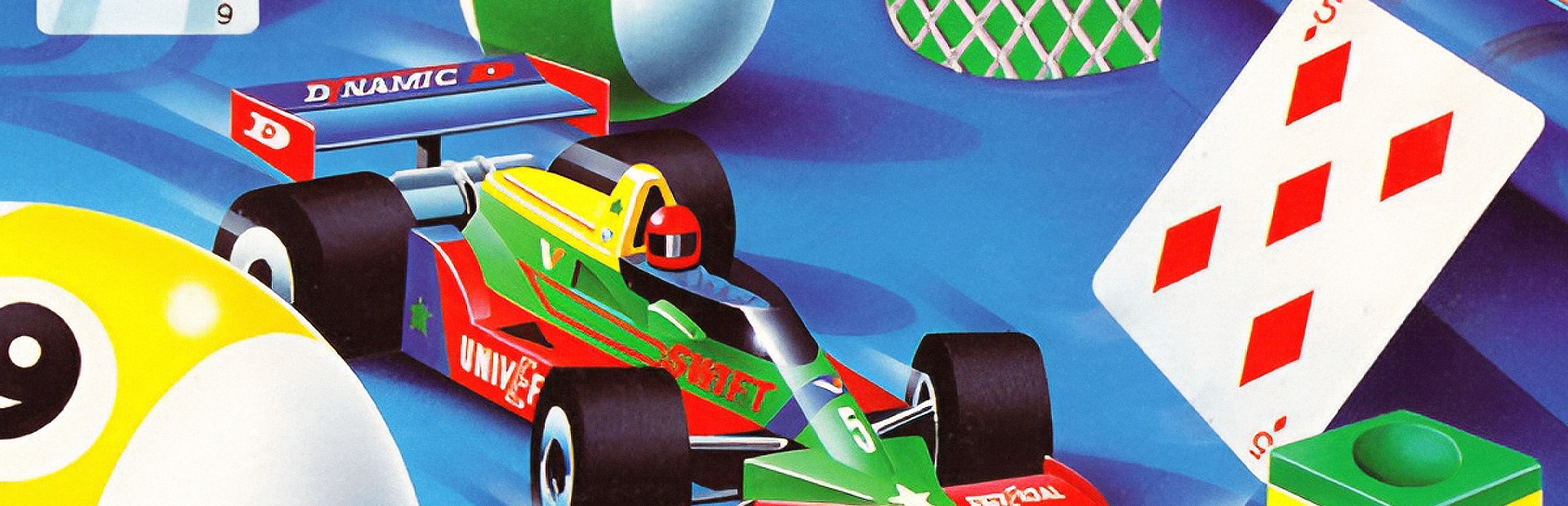
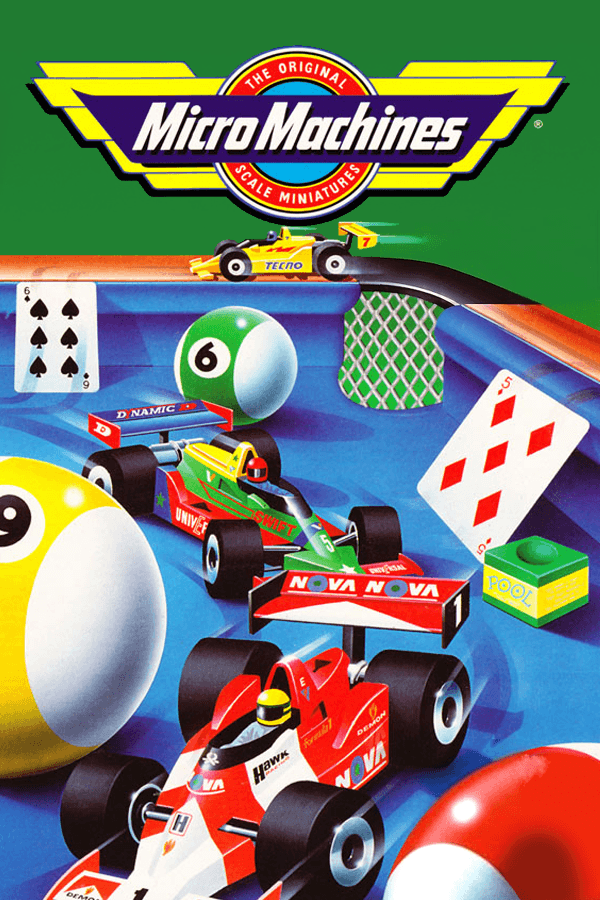
Steering a toy sports car around a desktop lined with pencil sharpeners and open homework is where Micro Machines immediately shows its teeth.
From Galoob toys to MS-DOS hardware
The original idea came straight from the toy manufacturer Galoob, who wanted Codemasters to build an interactive home for their line of miniature vehicles. When Big Red Software took on the port to create a 1994 PC release, they were not just copying a console game to floppy disks. They built a presentation that ran on a modest Intel 80386 with just a single megabyte of hard drive space, while giving PC owners noticeable visual upgrades like smooth parallax scrolling that the Amiga port lacked.
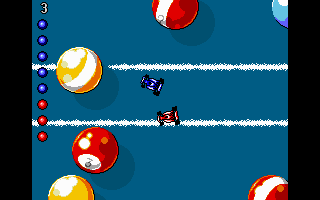
That low hardware barrier meant almost anyone with a home PC could boot it up. The code supported everything from standard VGA down to EGA display modes, and it let players run audio through an AdLib card, a standard Sound Blaster, a Sound Blaster 16, a Pro Audio Spectrum 16, or the plain internal PC speaker. Hearing the tiny engine hums through a Sound Blaster next to your monitor gave the kitchen and workshop tracks a goofy, frantic energy that matched the bright visual style.
Navigating top-down hazards in Micro Machines
You begin a race looking straight down at your miniature vehicle on household tracks where a single mistake sends you tumbling off the edge. Instead of standard guardrails, the boundaries are built out of breakfast cereal bowls, snooker cues, fruit, and loose binders. The camera stays tight on your vehicle, which creates a specific design problem: forward obstacles appear on screen so quickly that survival relies entirely on track memory.
The single-player Challenge mode puts you through 21 tracks in eight distinct environments, swapping your vehicle for every location. You pick three computer opponents from a roster of 11 characters to race against in three-race sets. This selection screen introduces a genuine tactical layer. Eliminating the fastest CPU drivers early on prevents them from ruining your runs later when the course layouts become far more dangerous.
- Desktop tracks where you jump over open notebooks and steer around pencil sharpeners in sports cars.
- Sandpit courses where heavy 4x4s slide across loose dirt and wooden blocks.
- Snooker table tracks that force Formula 1 cars to bank around pockets and ride along narrow cushions.
- Workshop and kitchen tables littered with hazardous tools, hot stoves, and spilled liquids.
- Tank battles where your vehicle carries a mounted gun to blast opponents directly ahead of you.
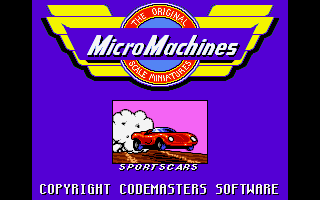
If you manage to clear three consecutive races without spending a continue, the game rewards you with a time-trial bonus track where you can earn extra lives. You will need every spare life you can hoard. The handling shifts wildly between vehicle types, so adjusting from the sticky grip of a sports car to the heavy drift of a 4x4 in a sandpit takes instant adaptation.
Where the PC port hits a hard wall
While magazines like PC Zone awarded the title classic status for its console-style action, loading up the Micro Machines MS-DOS game brought plenty of frustration. The default keyboard layout bound speed to Q and A while placing steering on S and D. It felt completely counterintuitive, forcing most players to remap controls immediately or plug in a joystick.
The PC version also dropped the ball on local multiplayer capacity. Console ports allowed four players to crowd around the screen, but the DOS release capped local matches at two players. You could connect two PCs via a modem or a serial null-modem cable, but for living room play, you were limited to sharing one keyboard or plugging in a pair of controllers. The difficulty spikes on edge-heavy tracks against top-tier computer opponents like Cherry or Walter remain notoriously brutal.
Why the Head-to-Head scoring system endures
The standard single-player challenge is fun, but the Head-to-Head mode is where the real genius of the design lives. Available in both single-player and two-player formats across nine tracks, it replaces traditional lap racing with a distance-based point system. Both racers start with four points on a shared slider. When one player pulls far enough ahead to push their rival off the edge of the screen, the race pauses and awards a point to the leader.
This mechanics setup turns every round into a tense tug-of-war. To win out completely, you have to establish a four-point lead over your opponent, though completing three full laps declares whoever holds the current lead as the winner. If scores remain tied at the finish line, it triggers a sudden death play-off. It strips away the passive feel of time trials and replaces it with pure, aggressive screen-pushing tactics.
How it holds up today
If you want to sample classic 90s racing / driving games, this top-down toy racer still delivers fast, hilarious arcade action. The tight camera framing and slippery steering on later sandpit tracks take some getting used to, but the clever environment designs and brutal point-slider multiplayer retain all their original punch.
You can play Micro Machines online right now, free in your browser, with no setup required. Load up the snooker table track, pick your computer rivals, and see if you can clear the pocket turns without bouncing your miniature Formula 1 car off the edge of the table.
How Micro Machines is played — the keys the game listens to, grouped by what they do.
- Movement
- Interface
- Other
Highlighted keys are mapped — hover or tap one to see what it does.
Control options and bindings are stored in settings.dat and can be configured via setup tools or options menus. Joysticks and mice are supported as alternative control options.
Players' controls
Touch and gamepad controls
The on-screen keyboard and gamepad mapping the browser player uses on a phone, a tablet or a controller, as opposed to the real keys above. $PRO members make their own in the player and share them here; anyone can pick one to play with.
Make your own touch controlsPRO
- 1Open the editorSign in below, then pick what to make. The game starts with the editor open over it.
- 2Place your keysAdd keys and drag them where your thumbs rest, or map a controller's buttons. Test plays the game with them; Save keeps them, and you play with them from then on.
- 3Share themShare them right after saving in the game, or name and share them here. Players vote, and the best become this game's controls for everyone.
Go PROSee how it worksSign in+20 XP for sharing · +50 XP if yours become the game's own
- The game's own controlsKeyboardGamepadWhat every player starts with.In use
2 screenshots
From the archive
No gameplay video yet
No gameplay video for Micro Machines yet. Sign in to add one.
No reviews yet
Tell the community what you think of Micro Machines. Reviews are public and tied to your username.
No archived manuals for Micro Machines yet
No manuals archived for this title yet. Sign in to upload the first scan.
Cheat codes, console commands and memory pokes for Micro Machines — each one verified and attributed.
Sign in to submitNo cheats yet for this title
Know a working cheat, poke or trainer? Add it with the button above. Moderators check every entry before it goes live.
No archived soundtrack for Micro Machines yet
No soundtrack archived for this title yet. Sign in to upload the first rip.
No save states for Micro Machines yet
No save states for this title yet. Sign in to share one.
Discussions
Sign in to post- Threads0
- Total posts0
- Online now6
Community · Micro Machines
Who's contributing, and what's new
- Reviews0
- Threads0
- Uploadsapproved0
- Contributors0
Recent activity
Nothing here yet
Reviews, discussion threads and approved uploads appear here as members add them.