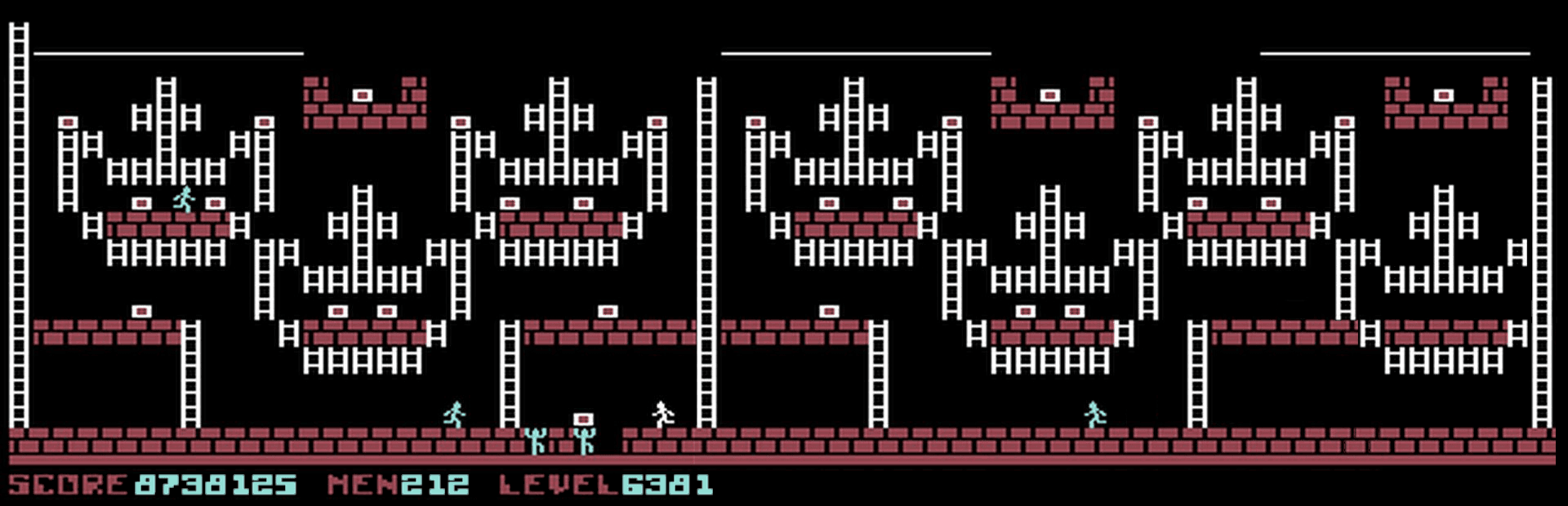
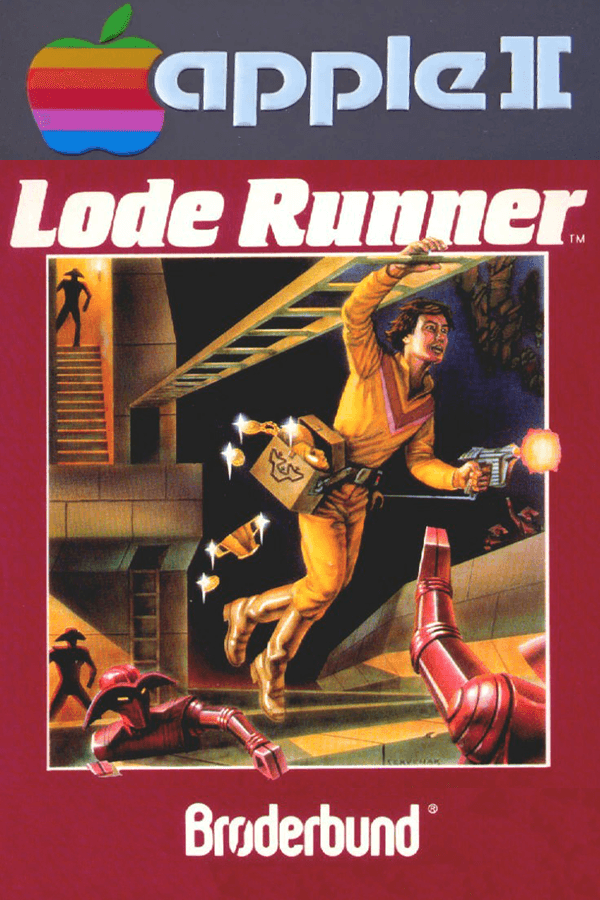

In Lode Runner, you cannot jump, you cannot shoot enemies, and a single careless hole in the floor will trap you inside your own custom-built grave.
Most action games from 1983 gave you a jump button or a projectile that cleared the screen. Lode Runner stripped all of that away, dropping your Galactic Commando stick figure into the underground treasury of the Bungeling Empire with nothing but a side-mounted laser pistol that only digs downward into adjacent brick. If a guard approaches from the left, you cannot shoot him in the chest; you have to dissolve the floor tile beneath his feet, wait for him to tumble into the hole, and sprint directly over his head before the mortar magically regenerates.
That single mechanical choice completely redefines spatial awareness. Because you cannot dig through solid bedrock or directly under your own feet, every descent into a lower corridor is a one-way decision unless you leave an intact ladder behind. Falling from any height will never hurt you, but dropping into a enclosed pit without an open brick adjacent to you means complete suicide. The game forces you to press an abort key to sacrifice your current life whenever you dig yourself into a corner, making human error far more lethal than the patrolling guards.
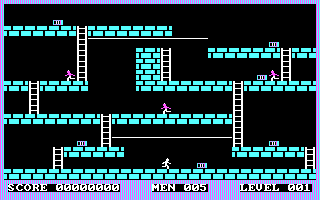
The original PC Booter release assigned digging mechanics to the function keys: F1 burned a hole to your left, while F2 dug to your right. Trying to alternate between arrow keys for ladders and function keys for panic-digging during a high-speed chase caused instant keyboard confusion. When you fired the laser, the PC speaker didn't produce a crisp sci-fi beam sound; it emitted a high-pitched, piercing screech that let everyone in the house know you were panicking on level 12.
Guards add another layer of strategic misery by picking up loose gold bars as they walk across them. A guard carrying a chest will not drop it until he stumbles into a freshly dug hole, forcing you to deliberately bait pursuers into traps just to retrieve the final chest required to reveal the escape ladder. If a hole fills in while a guard is trapped inside, he vanishes and immediately respawns at the very top of the single-screen level, often dropping right on top of the ladder you were planning to climb.
The story behind the creation of Lode Runner is a classic tale of stubborn iteration. Creator Douglas E. Smith originally programmed a text-mode prototype named Kong in Fortran while studying architecture and numerical analysis at the University of Washington. After porting the concept to a DEC VAX mainframe, he re-wrote the game in 6502 assembly language over a single weekend for the Apple II under the title Miner. He submitted it to Brøderbund Software, Inc., only to receive a blunt, one-line rejection note stating the title did not fit their product line.
Refusing to let the idea die, Smith borrowed money to purchase a color monitor and joystick, added full color visuals, refined the movement, and renamed the project Lode Runner. When he resubmitted the polished version to four different publishers, Brøderbund reversed its stance and snapped up the rights. The gamble paid off globally; when Hudson Soft converted the game for the Famicom in 1984, it went on to sell roughly 1.1 million cartridges in Japan alone, establishing Smith's design as a international phenomenon.
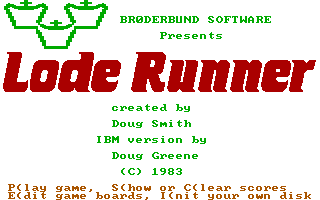
While the main campaign packed 150 single-screen stages, the disk came with a built-in level editor. Without typing a line of code or editing hex values, players could place brick, bedrock, ropes, ladders, gold, and guard spawn points using simple direct controls. This turned the package from a static action game into an endless construction kit, prompting magazines like Computer Gaming World to run reader contests for the most devious user-created stages.
The editor worked because the core mechanics were so simple to understand. A good custom level wasn't about flooding the screen with fast enemies; it was about laying out three chests behind a wall of bedrock so that digging them out required a strict five-step sequence of melting bricks from above. If you dug the wrong block first, the path closed permanently, forcing an abort. That puzzle logic proved that action games could demand real forward planning alongside quick reflexes.
The underlying design of Lode Runner remains absolute tension distilled into pixels. The high-pitched PC speaker squeals and the awkward function-key layouts are pure 1980s computer quirks, but the central loop of trapping guards, collecting loot, and sprinting for an emerging ladder works as well now as it did on day one. Anyone who enjoys arcade puzzles or tactical platforming owes it to themselves to try clearing the early levels without trapping their own character in a dead-end trench.
You can play Lode Runner free in your browser right here, running the full MS-DOS game with no extra setup required. When you start your first run, try clearing stage one without digging a single unnecessary hole: you will quickly see how every single brick placement on the screen dictates your survival.
In Lode Runner, you cannot jump, you cannot shoot enemies, and a single careless hole in the floor will trap you inside your own custom-built grave.
Most action games from 1983 gave you a jump button or a projectile that cleared the screen. Lode Runner stripped all of that away, dropping your Galactic Commando stick figure into the underground treasury of the Bungeling Empire with nothing but a side-mounted laser pistol that only digs downward into adjacent brick. If a guard approaches from the left, you cannot shoot him in the chest; you have to dissolve the floor tile beneath his feet, wait for him to tumble into the hole, and sprint directly over his head before the mortar magically regenerates.
That single mechanical choice completely redefines spatial awareness. Because you cannot dig through solid bedrock or directly under your own feet, every descent into a lower corridor is a one-way decision unless you leave an intact ladder behind. Falling from any height will never hurt you, but dropping into a enclosed pit without an open brick adjacent to you means complete suicide. The game forces you to press an abort key to sacrifice your current life whenever you dig yourself into a corner, making human error far more lethal than the patrolling guards.
The original PC Booter release assigned digging mechanics to the function keys: F1 burned a hole to your left, while F2 dug to your right. Trying to alternate between arrow keys for ladders and function keys for panic-digging during a high-speed chase caused instant keyboard confusion. When you fired the laser, the PC speaker didn't produce a crisp sci-fi beam sound; it emitted a high-pitched, piercing screech that let everyone in the house know you were panicking on level 12.
Guards add another layer of strategic misery by picking up loose gold bars as they walk across them. A guard carrying a chest will not drop it until he stumbles into a freshly dug hole, forcing you to deliberately bait pursuers into traps just to retrieve the final chest required to reveal the escape ladder. If a hole fills in while a guard is trapped inside, he vanishes and immediately respawns at the very top of the single-screen level, often dropping right on top of the ladder you were planning to climb.
The story behind the creation of Lode Runner is a classic tale of stubborn iteration. Creator Douglas E. Smith originally programmed a text-mode prototype named Kong in Fortran while studying architecture and numerical analysis at the University of Washington. After porting the concept to a DEC VAX mainframe, he re-wrote the game in 6502 assembly language over a single weekend for the Apple II under the title Miner. He submitted it to Brøderbund Software, Inc., only to receive a blunt, one-line rejection note stating the title did not fit their product line.
Refusing to let the idea die, Smith borrowed money to purchase a color monitor and joystick, added full color visuals, refined the movement, and renamed the project Lode Runner. When he resubmitted the polished version to four different publishers, Brøderbund reversed its stance and snapped up the rights. The gamble paid off globally; when Hudson Soft converted the game for the Famicom in 1984, it went on to sell roughly 1.1 million cartridges in Japan alone, establishing Smith's design as a international phenomenon.
While the main campaign packed 150 single-screen stages, the disk came with a built-in level editor. Without typing a line of code or editing hex values, players could place brick, bedrock, ropes, ladders, gold, and guard spawn points using simple direct controls. This turned the package from a static action game into an endless construction kit, prompting magazines like Computer Gaming World to run reader contests for the most devious user-created stages.
The editor worked because the core mechanics were so simple to understand. A good custom level wasn't about flooding the screen with fast enemies; it was about laying out three chests behind a wall of bedrock so that digging them out required a strict five-step sequence of melting bricks from above. If you dug the wrong block first, the path closed permanently, forcing an abort. That puzzle logic proved that action games could demand real forward planning alongside quick reflexes.
The underlying design of Lode Runner remains absolute tension distilled into pixels. The high-pitched PC speaker squeals and the awkward function-key layouts are pure 1980s computer quirks, but the central loop of trapping guards, collecting loot, and sprinting for an emerging ladder works as well now as it did on day one. Anyone who enjoys arcade puzzles or tactical platforming owes it to themselves to try clearing the early levels without trapping their own character in a dead-end trench.
You can play Lode Runner free in your browser right here, running the full MS-DOS game with no extra setup required. When you start your first run, try clearing stage one without digging a single unnecessary hole: you will quickly see how every single brick placement on the screen dictates your survival.
How Lode Runner is played — the keys the game listens to, grouped by what they do.
Highlighted keys are mapped — hover or tap one to see what it does.
If the player starts running automatically at start, the joystick needs readjustment. Movement keys can be redefined by pressing Esc then K during gameplay.
The on-screen keyboard and gamepad mapping the browser player uses on a phone, a tablet or a controller, as opposed to the real keys above. $PRO members make their own in the player and share them here; anyone can pick one to play with.
Cheat codes, console commands and memory pokes for Lode Runner — each one verified and attributed.
Sign in to submitHow Lode Runner is played — the keys the game listens to, grouped by what they do.
Highlighted keys are mapped — hover or tap one to see what it does.
If the player starts running automatically at start, the joystick needs readjustment. Movement keys can be redefined by pressing Esc then K during gameplay.
The on-screen keyboard and gamepad mapping the browser player uses on a phone, a tablet or a controller, as opposed to the real keys above. $PRO members make their own in the player and share them here; anyone can pick one to play with.
Cheat codes, console commands and memory pokes for Lode Runner — each one verified and attributed.
Sign in to submit